

Initiatives
This page is a catch-all page to collect some of the interesting initiatives you can participate to as a team member of Nebulab.
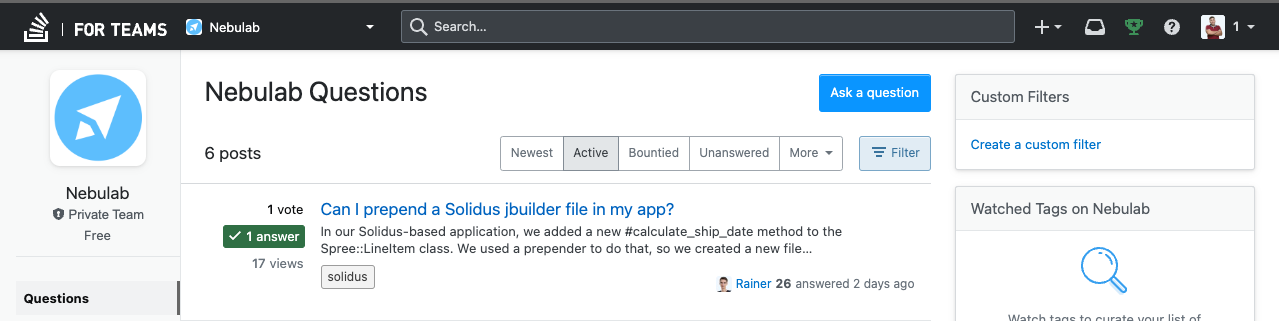
StackOverflow for teams
🚀 Stack Overflow for Teams is a platform that provides a centralized location to store and share knowledge among team members. 💡 The platform is designed to keep your team’s knowledge in one central location, making it easy to access and update. 🙌
TL;DR
- URL: https://stackoverflowteams.com/c/nebulab/questions
- Notifications for new questions on Slack are sent to
#learning-engineering - Stack Overflow Slack integration: https://stackoverflow.co/teams/integrations/slack/
- This initiative is an experiment to understand if the tool is good for us
- Signup with your
@nebulabaccount
Why?
Searching Made Easy with SO Teams
🤔 Have you ever tried searching for something in email or chat? 🕵️♀️ The results can be less than accurate, and the sheer volume of information can be overwhelming. 💬 Teams helps to structure knowledge the way that we naturally learn, through asking and answering questions. 🙌
What?
Team-Specific Information Made Easy
Stack Overflow for Teams is particularly useful for company-specific information. 🔍 For example, questions regarding Solidus, projects, customers or what tools you have access to are all examples of topics that should be kept within your private Team.
How?
Need help or info about a ticket or company initiative? Let’s check if someone has already asked your question on Stack Overflow for Teams. If not, no worries! Just submit your query and we’ll do our best to help!
The platform is totally private, so you can be as specific as you need to be about your customers and data 🔒 Don’t be shy - we’re all here to support each other! 😊
Sharing Knowledge through Q&A
One of the benefits of Stack Overflow for Teams is that it allows team members to ask and answer their own questions. 🙋♂️ If you find yourself answering the same questions repeatedly, you can simply ask and answer your own question. 💡
Notifications for Collaborative Learning
💬 If someone needs further clarification, they can add a comment to the answer, and you’ll be notified. 📲 You can then respond when it works best for your workflow.
🚨 In addition, Stack Overflow will send notifications to #learning-engineering on Slack for each new question. 🔔
Pair programming Donuts
The Donut Pair Programming initiative is a company-wide program that aims to foster collaboration and knowledge sharing among team members. The initiative is an opportunity for engineers to work with colleagues from different teams, learn from each other, and enhance their skills.
Joining the initiative
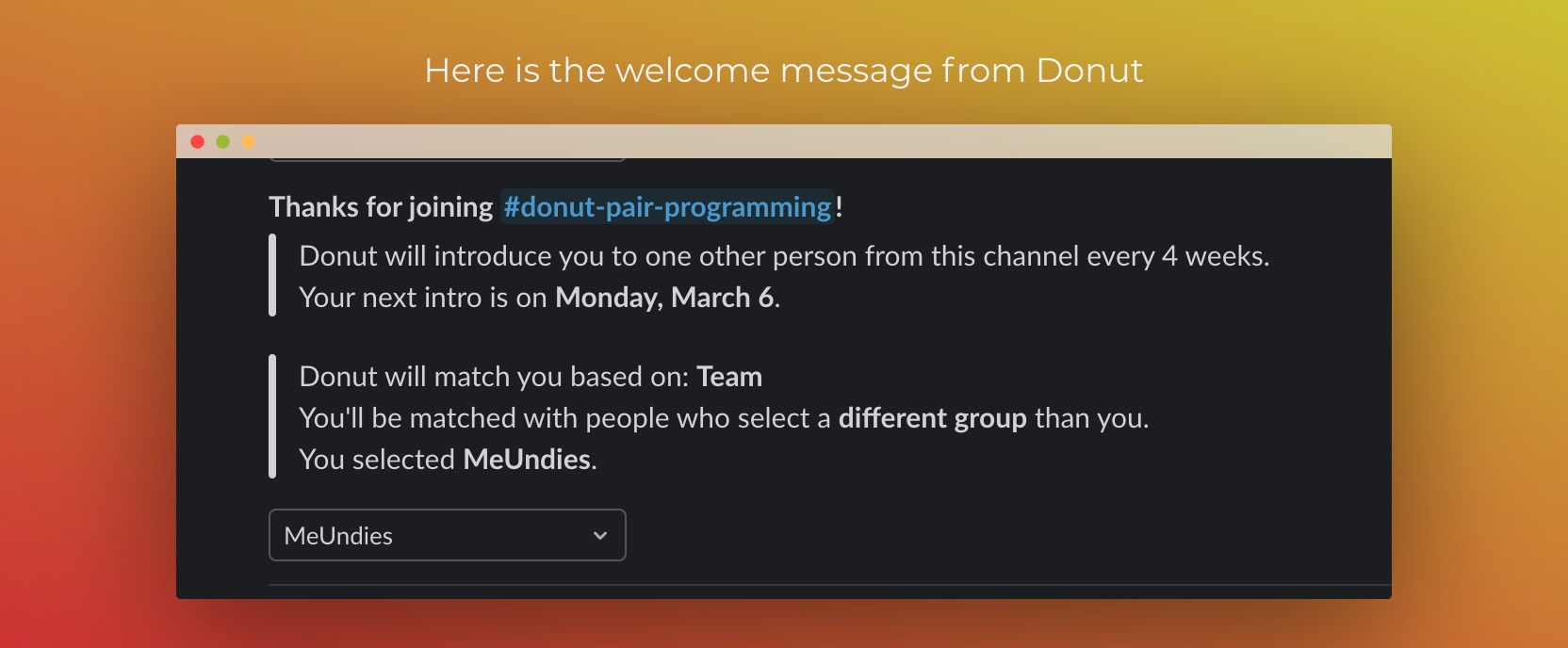
To join the initiative, engineers must join the #donut-pair-programming Slack channel. Upon joining, engineers should select their project 📝 to indicate which projects they are currently working on.
Pairing sessions
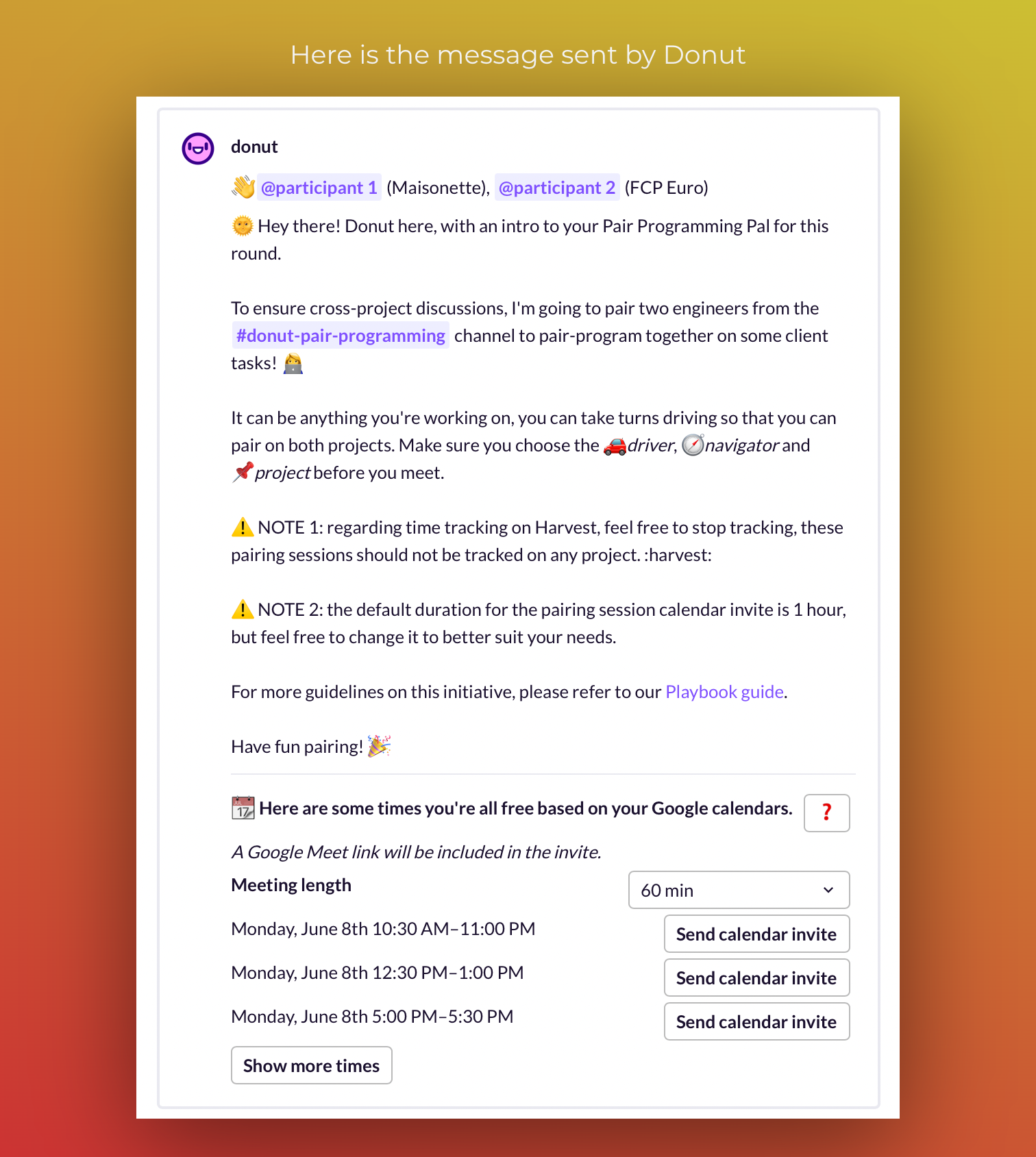
Once per month, two engineers are randomly selected by Donut to pair across different teams. When the Donut chooses the pair, the engineers should decide who is the driver 🚗 and who is the navigator 🧭, and which project or ticket they will work on during the pairing session. The pairing session typically lasts for one hour but feel free to change it to better suit your needs ⏰.
Pairing sessions don’t always have to include writing code. It’s a great opportunity for engineers to discuss problem-solving techniques and share insights on what has worked well and what hasn’t.
Here are some examples of how to make pairing effective, even in situations where interactions can be difficult:
- Frontend pairing with backend: they can discuss the interaction between frontend and backend or ways to improve communication between the roles. Alternatively, they can try to understand each other’s code to gain a brief introduction to another world.
- Principal IC pairing with associate IC: they can talk about the IC career path, share tips on being effective, or discuss language internals to improve technical skills.
- Non-technical manager pairing with IC: they can discuss ways to improve communication with customers, learn more about management work, or help EMs understand IC needs from a cross-team perspective.
Before kicking off a pairing session
A quick tip to make your pairing sessions even more productive: it’s very important to have everything ready before you start. To make the most of your time together, it’s adviced choosing the project and topic beforehand. 😊
Pairing tools 🛠️
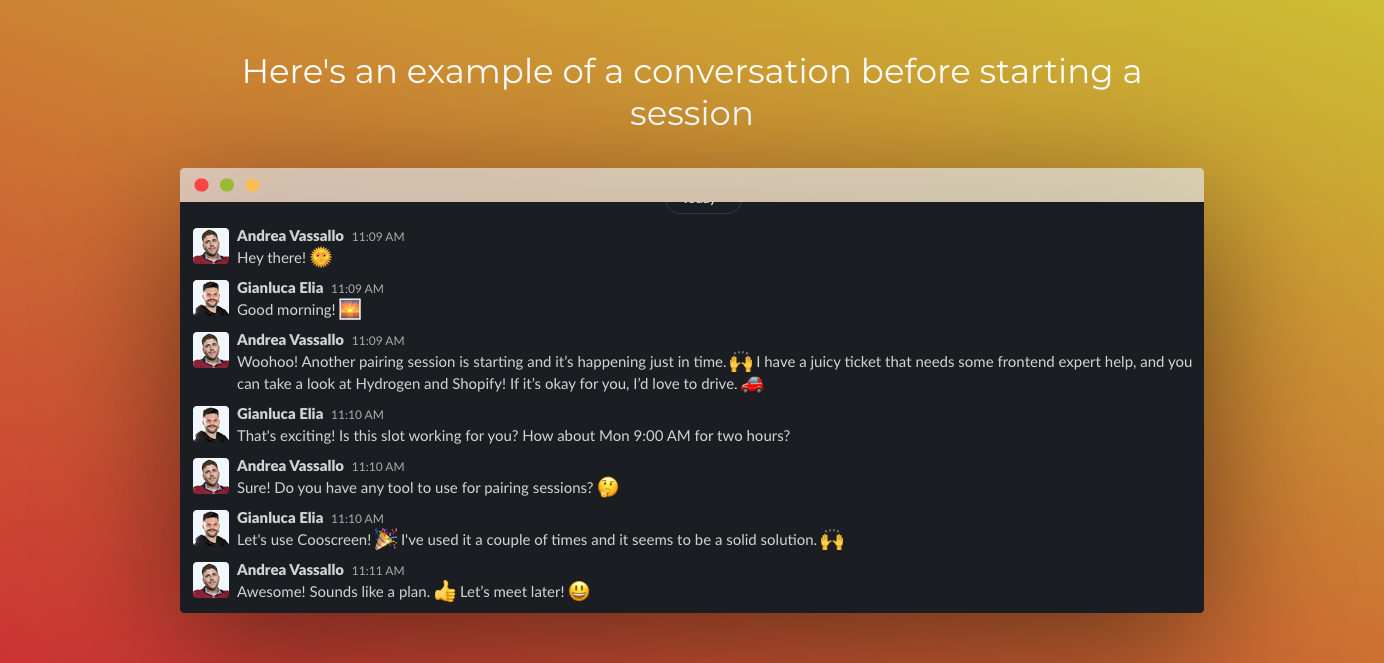
As we aim to enhance our pairing experience, we recognize that Google Meet may not be the most suitable tool. Therefore, we encourage everyone to suggest and provide feedback on tools that could better facilitate pair programming. As a starting point, we suggest trying out CoScreen , but we welcome any other recommendations. Thank you for your help in making our pair programming sessions more efficient and enjoyable! ☺️
Conclusion
This is an excellent opportunity for engineers to collaborate with colleagues from different teams, enhance their skills, and learn from each other.
We encourage all engineers to join the initiative and make the most of this opportunity. 🚀
If you have any thoughts or ideas on how to improve the project, please do not hesitate to contact the project lead.
Happy pairing 🎉