

Brand Assets
Here you can find logos and other branding resources. Happy sharing!
Logo
Full logo



Nebulab-logo_for-black-backgrounds.png

Nebulab-logo_for-black-backgrounds.svg

Nebulab-logo_for-black-backgrounds.eps (366KB)
Nebulab-logo_for-light-backgrounds.png

Nebulab-logo_for-light-backgrounds.svg

Nebulab-logo_for-light-backgrounds.eps (372KB)


Nebulab-logo_grayscale.eps (360KB)
CMYK logo
Use these logos for printing purposes.
Nebulab-logo_for-light-backgrounds copy.pdf
Nebulab-logo_for-dark-backgrounds.pdf
nebulab-logo_CMYK_for-light-backgrounds.eps (1MB)
nebulab-logo_CMYK_for-dark-backgrounds.eps (1MB)
[!NOTE] If you want to download PNGs or SVGs remember that the “arrows” are empty, so the background color might be visible through these.
Logomark



Colors
Fonts
We’re using the Basis Grotesque font family.
Social branding


Hiring video
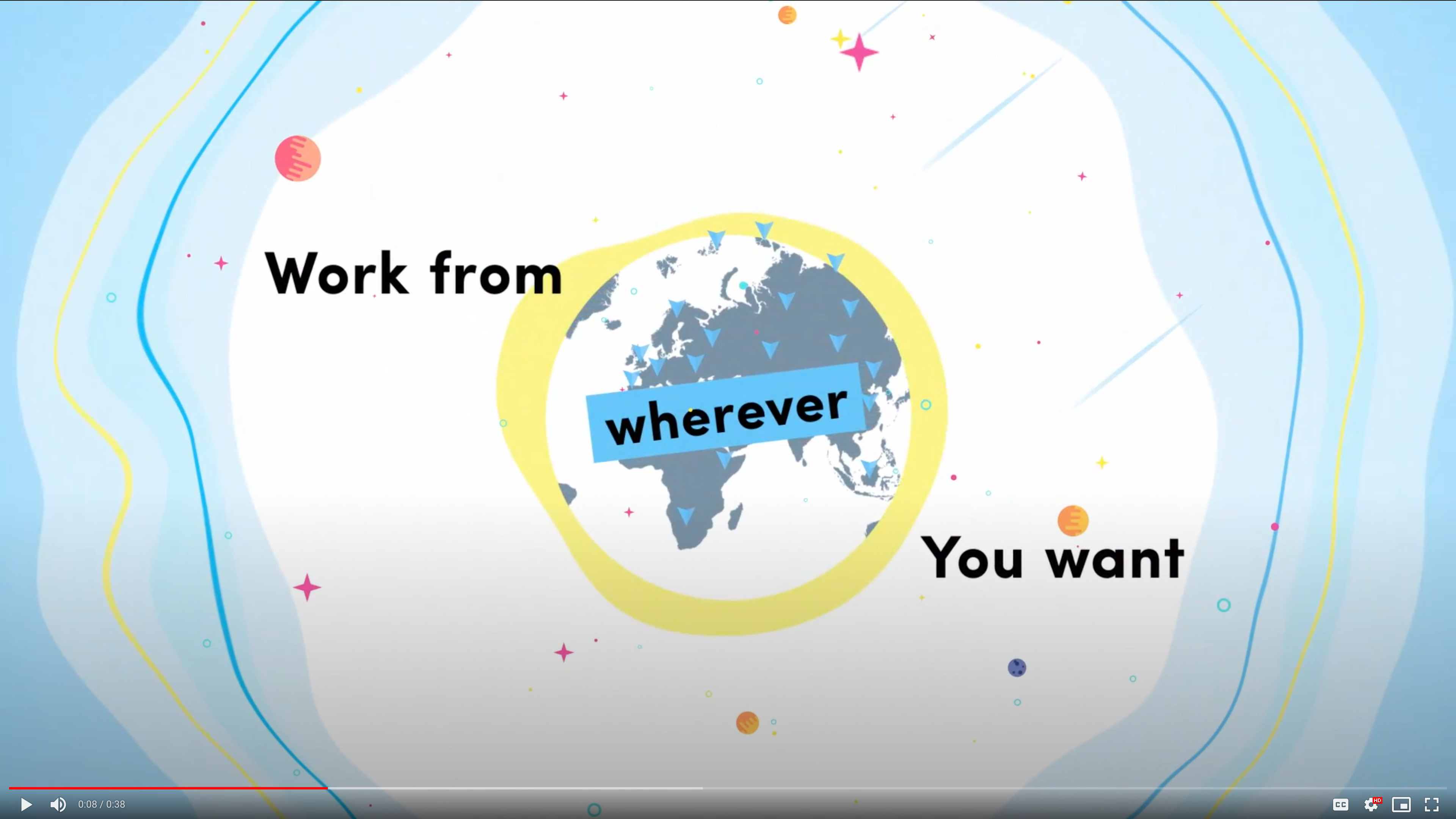
[!NOTE] > Download the hiring video
Client showreel
Some events and partners ask us for a reel. You can find one here.
The link is publicly accessible, so you can share it by email if needed.
Standalone
https://drive.google.com/file/d/1KgBOx96VkYUoDERCtZLRtzrSwiw2aZ-x/view?usp=sharing
For looping
This version of the showreel can be used when it’s being displayed in a loop.
https://drive.google.com/file/d/1bDYcdnur79YJjZwxxo7q2Bryf3EvXmrd/view?usp=sharing
Google Slides template
You can use this Google Slides template for Nebulab internal presentations or conference talks.
https://docs.google.com/presentation/d/1MKphXXgXXLfMZbKrVH-ThC1vxqIw7QKuEDidHKh54GI/edit#slide=id.p
How to use this template
To use this template, you need to clone this sample presentation . The template contains some layouts that you can use for different purposes.
If you need to add code snippets to your presentation, you can create and export images of your code with Carbon .
Please remember to use DM Sans as the default font family.
https://docs.google.com/presentation/d/1MKphXXgXXLfMZbKrVH-ThC1vxqIw7QKuEDidHKh54GI/edit#slide=id.p
Funny resources 👾
There are funny resources as well:
Design System
On our Design System on Figma, you can find color and typography references, and also icons and illustrations used on the website.
https://www.figma.com/design/r9uHNohkevYS2Af072Nnf3/Design-System?node-id=96-4\&t=k4JRWOe6xmNuMSh2-1
✔️ Do
- On dark backgrounds use the blue/white version of the logo
- On light backgrounds use the blue/black version of the logo
- Use the Mark for applications avatars
- Use the Mark when the logo is too large for an application
❌ Don’t
- Create a modified version of the Nebulab logo
- Use any Nebulab artwork without permission
- Change the colors, dimensions or add your own text/images
Questions?
If you want to use artwork not included on this page.
Legal disclaimer
In short, the Nebulab logos and artwork represent only Nebulab and should not be used to represent your products.